Following an event's Updates
Updates is the event's feed of launches, demo times and show offers from exhibitors, sponsors and the organizer.
Updated November 14, 2026
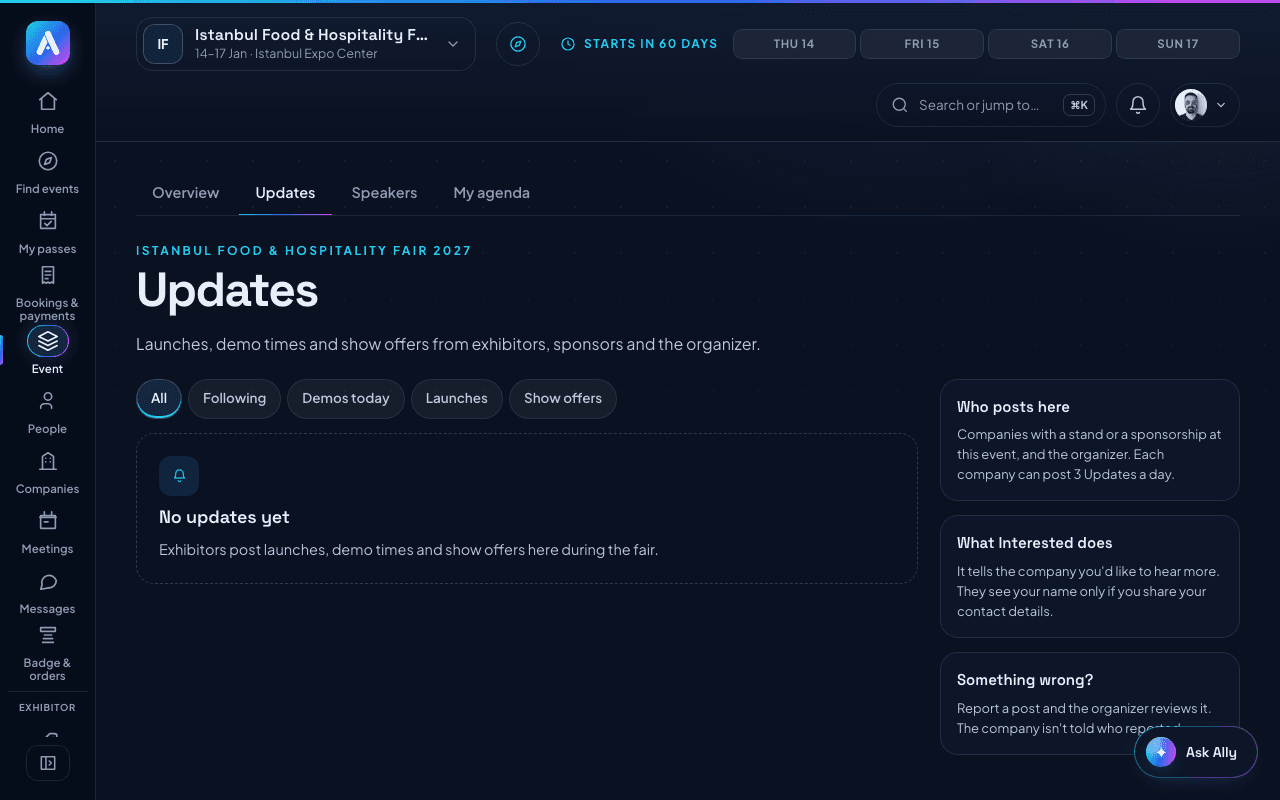
Updates shows launches, demo times and show offers from exhibitors, sponsors and the organizer. You need a pass for the event to see it.
To open it:
- Open Event in the menu.
- Choose the Updates tab.
Filter the feed with All, Following, Demos today, Launches or Show offers. Following shows companies you saved, or where someone you are connected with works.
On a post you can:
- Press Interested to tell the company you're interested. Your name is shown only if you share your contact details.
- Press Book meeting or Message to reach the company.
- Press Add to calendar on a demo.
- Press Report if something is wrong. Pick a reason and press Send report. The organizer reviews it, and the company isn't told who reported.
Companies with a stand or a sponsorship at the event can post up to 3 Updates a day. See Posting an Update.
Was this helpful?