Create your TruAlly account
One free account per person, with no password. Choose where you start, add your name and work email, then confirm your email.
Updated November 14, 2026
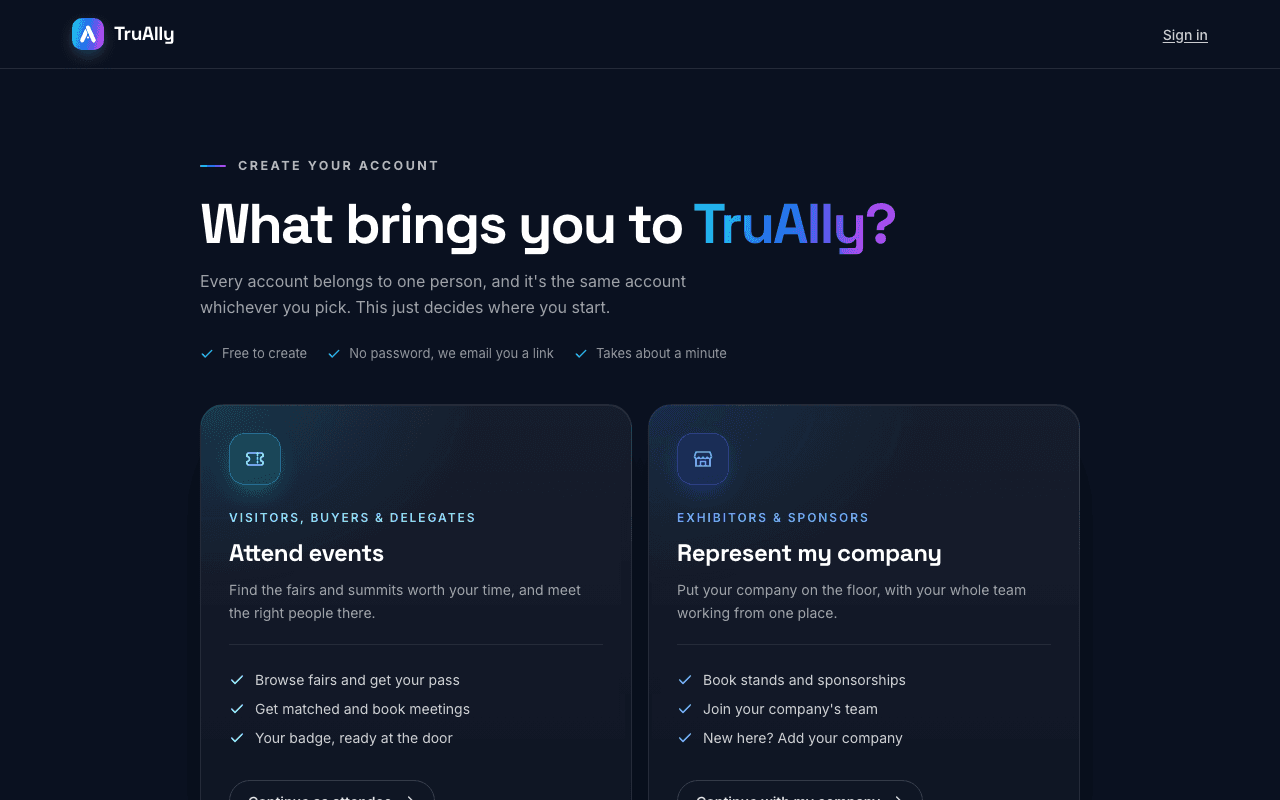
Every TruAlly account belongs to one person. It is free and has no password. The same account works whether you attend events or represent your company; your choice only decides where you start.
- Open the registration page from the register button at the top of the site, then choose a path: Continue as attendee to attend events, or Continue with my company if you exhibit or sponsor.
- Fill in Full name and Work email. Your company and job title are optional.
- Tick that you accept the Terms of Use and the Privacy Policy. The news email box is optional.
- Press Create account.
- Confirm your email: open the link in the email, or type the 6-digit code on the page.
What comes next:
- Attendees pick their events once inside.
- If you chose your company, you next find your company and ask to join it, or add it if it is new. The TruAlly team checks new companies.
- Registered before with this email? You have not made a second account. The same link signs you into the one you already have.
Was this helpful?